


One console for every gift, donor and campaign
The console shows what came in, which campaign it helped and who gave it, and it is where you change your box or start the next appeal.

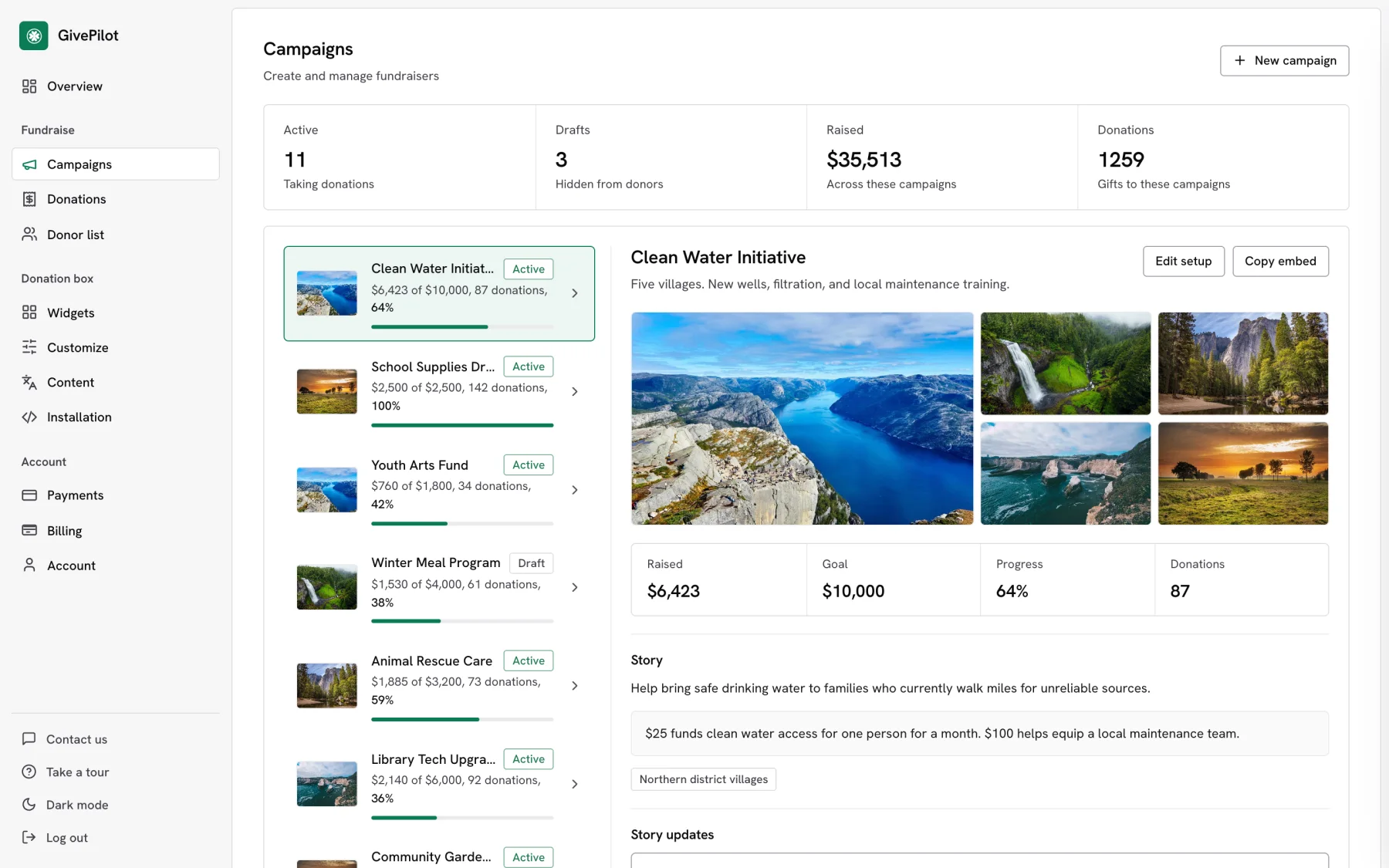
Your fundraising at a glance.Total raised, donations, donors and monthly gifts, the last 30 days on a chart, every active campaign’s progress and your newest gifts.
What you get with the console
Overview at a glance
Total raised, donations, donors and monthly gifts, the last 30 days on a chart, your newest gifts and totals by fund.
Campaign progress
Every active campaign with its progress toward the goal, plus updates and analytics one click away.
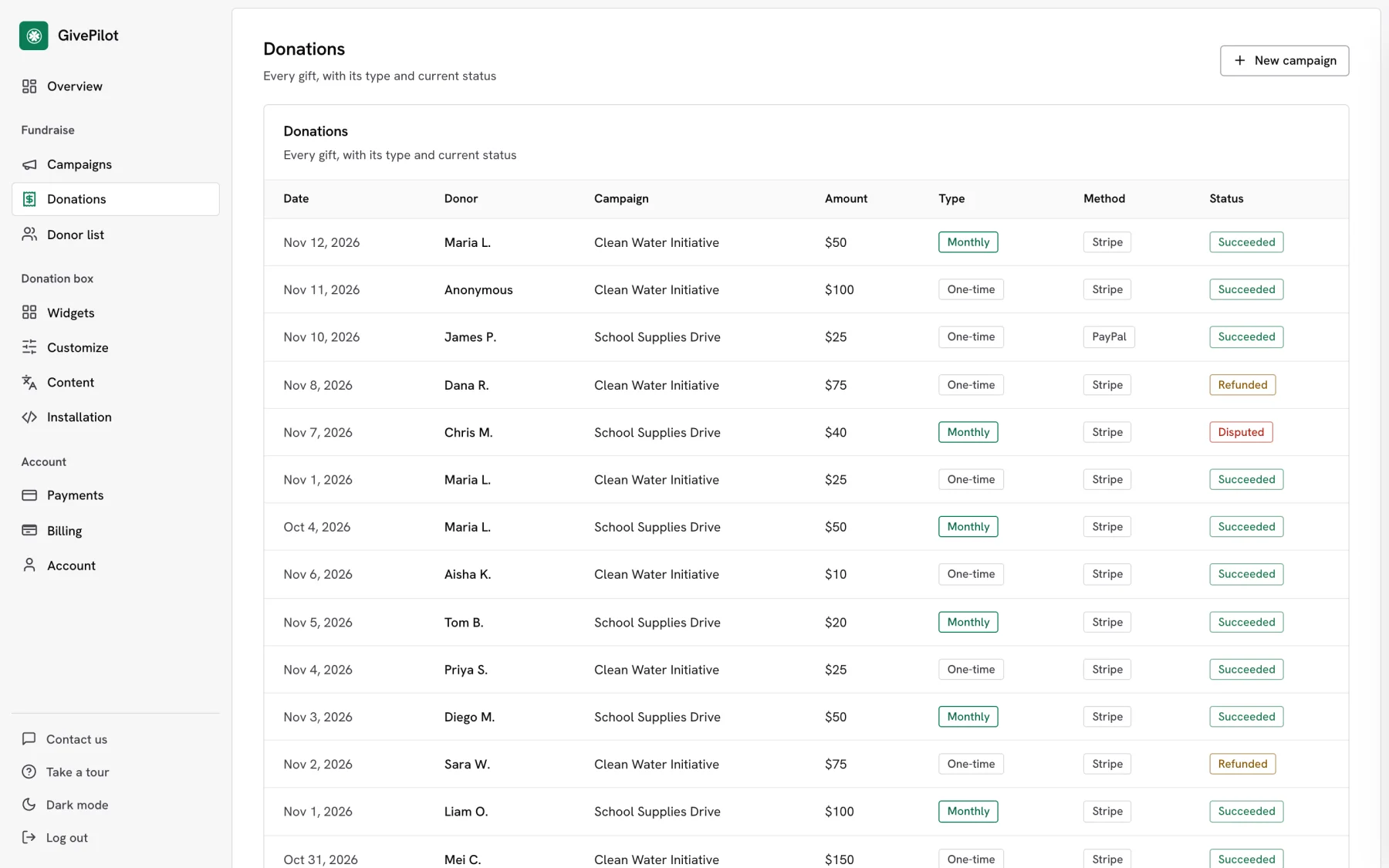
Donations
Each gift with its donor, amount, fund, campaign, type and status, with a filter for each fund.
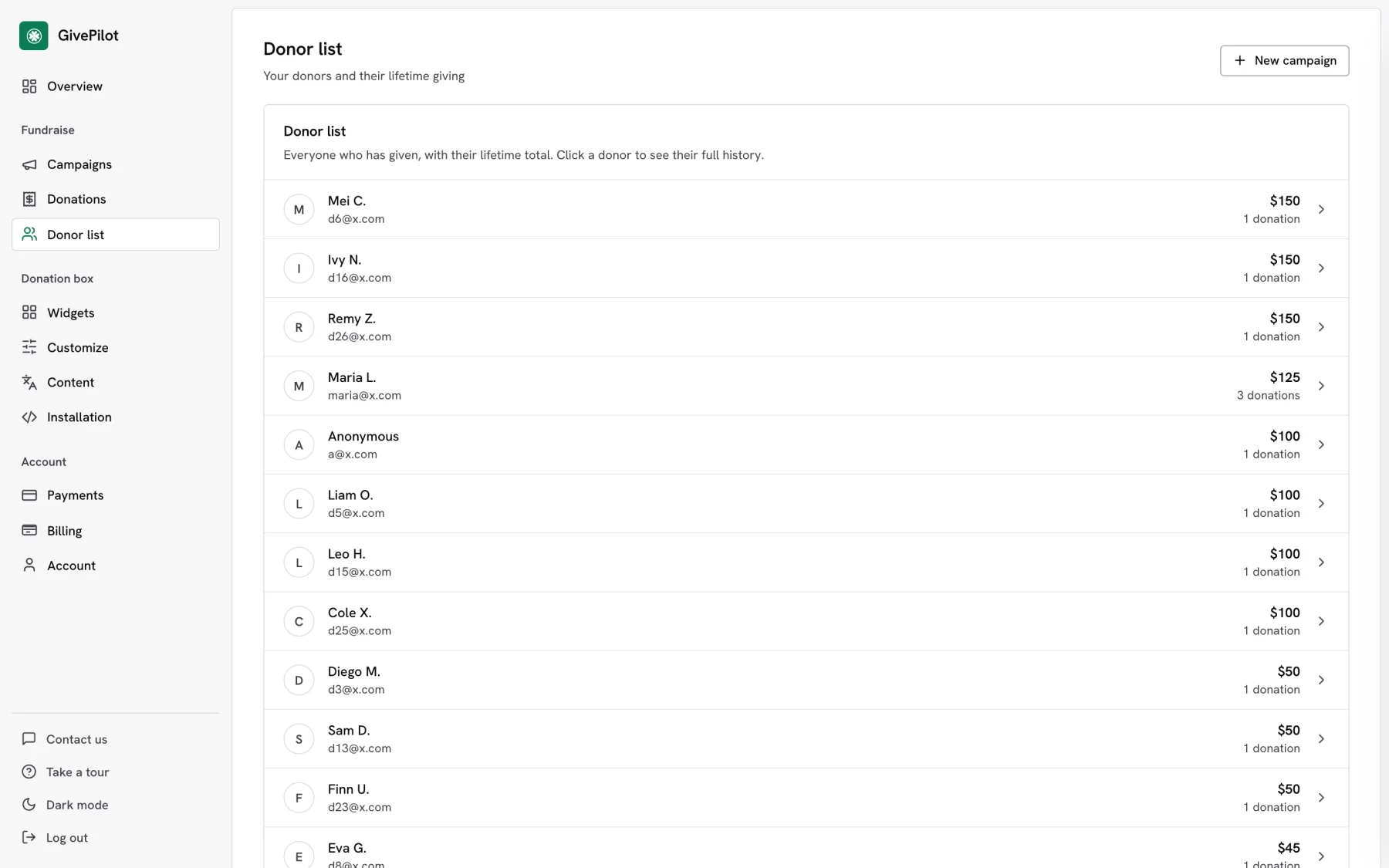
Donor list
Lifetime giving and number of gifts for every donor.
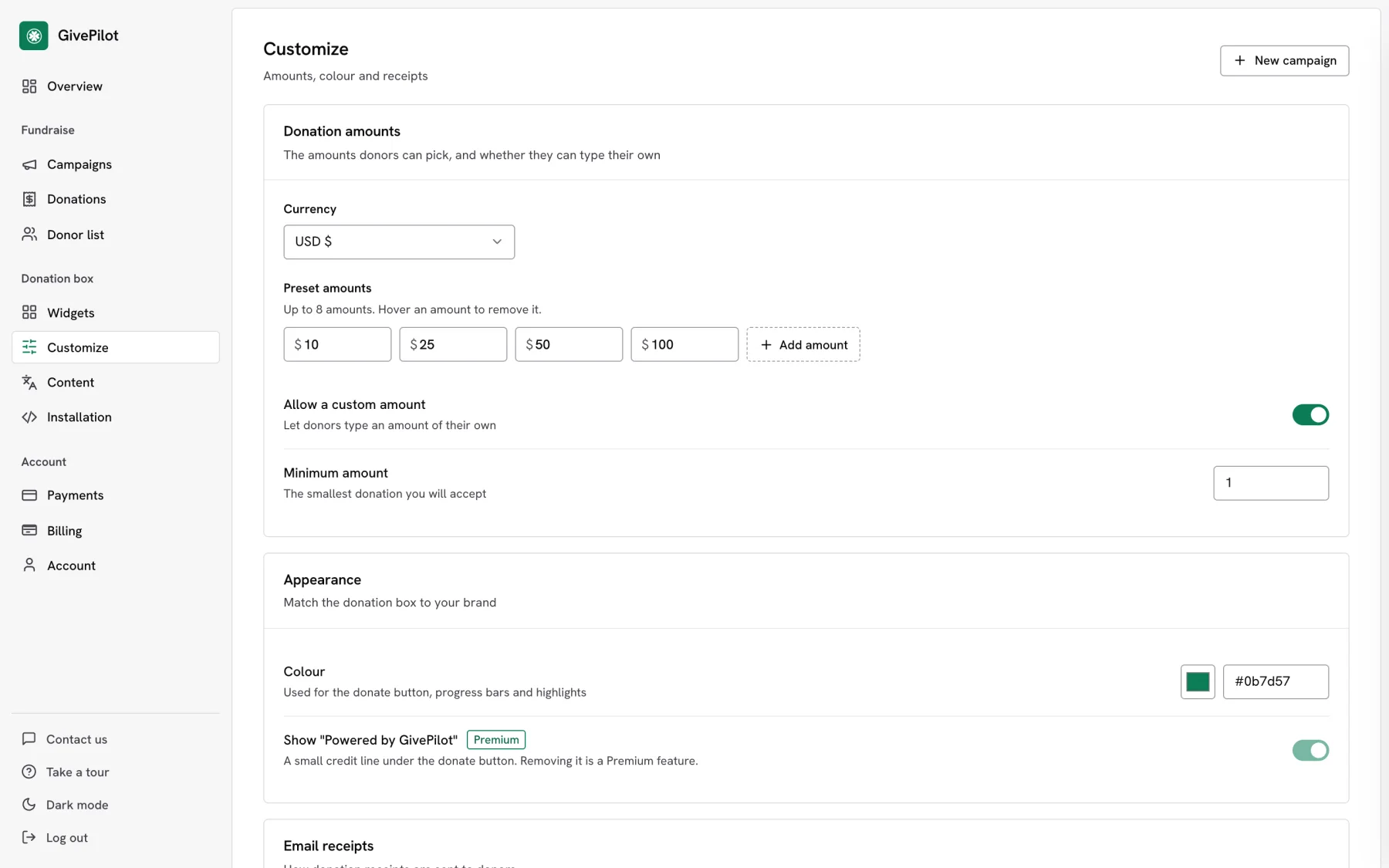
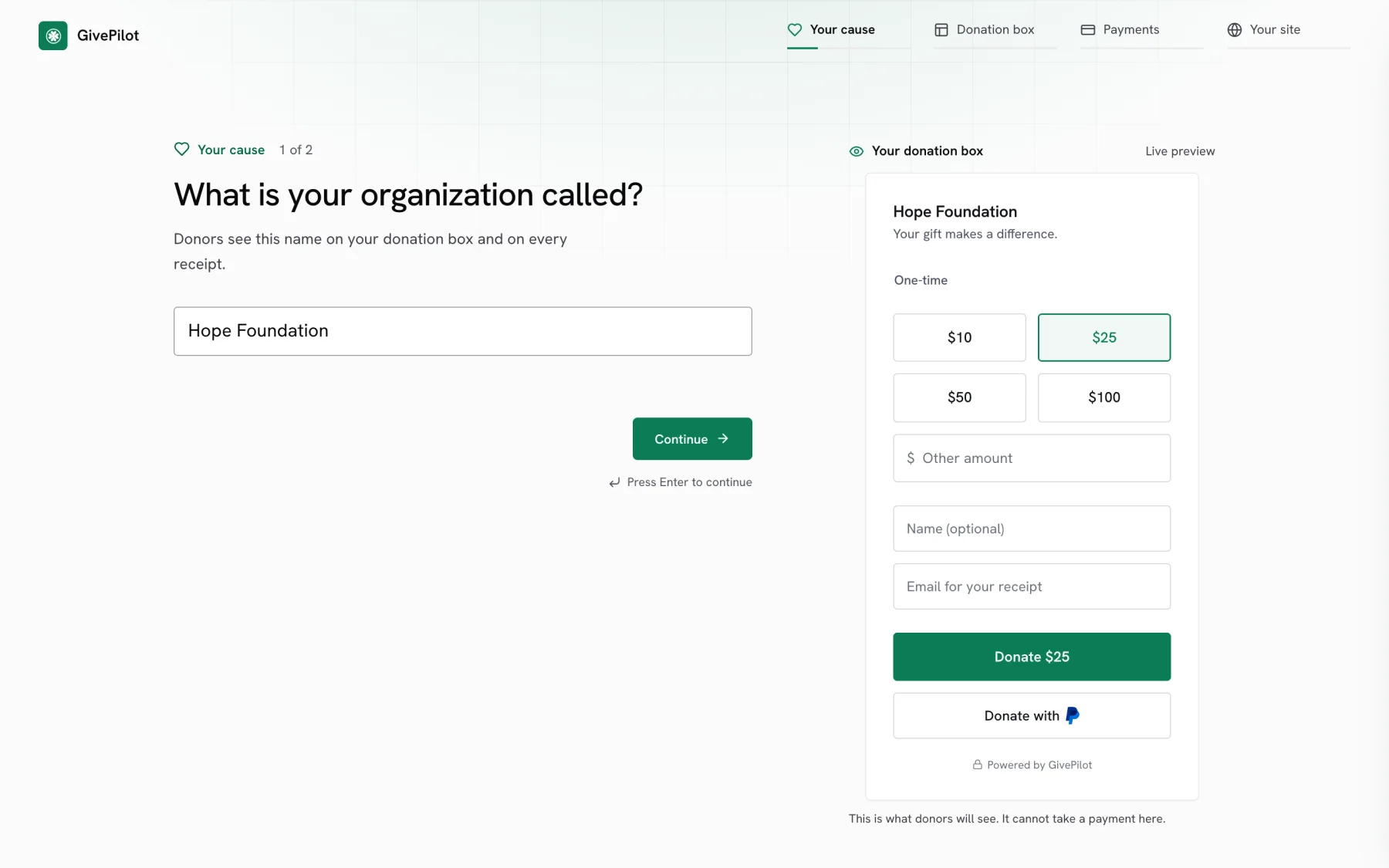
Customize
Currency, preset amounts, custom amounts, a minimum gift, your colour, giving options, receipt details and new gift alerts.
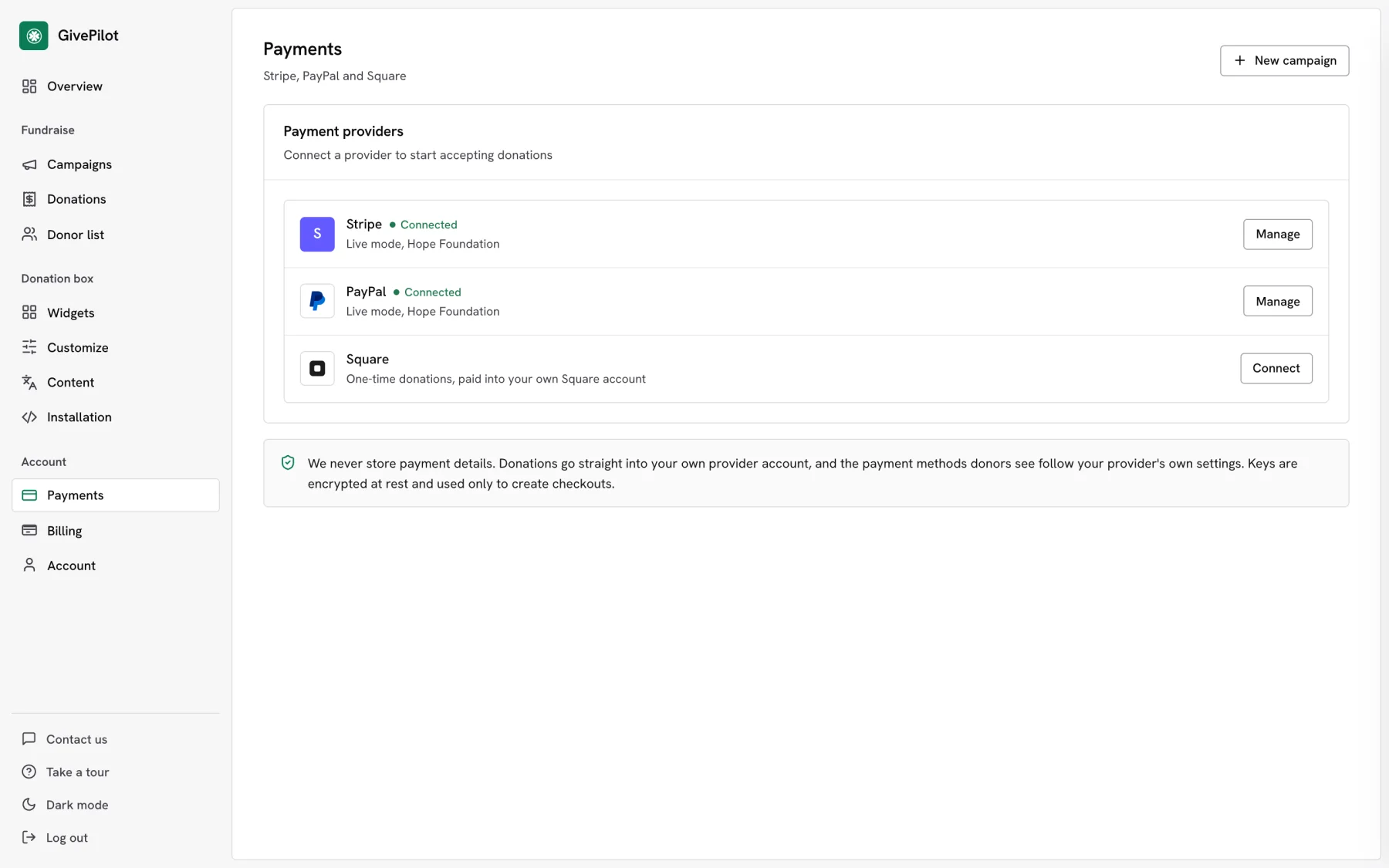
Payments
Stripe, PayPal and Square side by side. Connect one or all three in a couple of minutes.
Export donations to CSV for Excel, Numbers or Google Sheets
Press Download CSV on the Donations or Donor list page to take your records into the spreadsheet you already use. Filter by campaign, fund and date range first when you only need part of them. CSV export is included on every plan.
| File | What it holds |
|---|---|
| Donations | Date, donor name, email, anonymous, amount, fee covered, currency, frequency, fund, campaign, status, provider and receipt number. Refunds are included and marked. |
| Donor list | Each donor with their totals, number of gifts and the dates of their first and last gift |
Questions about the console
Is the console included on the Free plan?
Can I see the console from my phone?
How do I sign in?
Can I export my donations to Excel?
More GivePilot features
Donors and receipts
An instant receipt for every gift and a donor list with lifetime giving.
See donors and receipts Every planDesignated funds
Up to 20 funds donors choose from as they give, with totals for each fund.
See designated funds Every planCampaigns
A goal, a deadline, photos, updates and messages of support.
See campaignsPut a donation box on your website today
Set up in a few minutes, connect the payment account you already use and take your first gift before the day is out.